 Optimo
See what is really going on in your phone
RAM, storage, battery and file cleanup — without empty promises. Photo scanning, duplicates and app statistics never leave the device.
Features
What the app shows and what it helps you clean up.
Diagnostics
Free RAM, storage usage, battery level and temperature. Bars change colour as you approach a threshold.
Storage breakdown
How much is taken by photos, video, audio, apps and cache.
Battery history
Charge level chart, full-cycle counter and the highest temperature recorded.
Large files
Photos and videos over 20 MB, largest first. You can open each one before deciding.
Duplicates
Identical photos and videos found by comparing content, not names. The oldest copy stays.
App manager
Sorted by size, or by what you have not opened in months.
How it looks
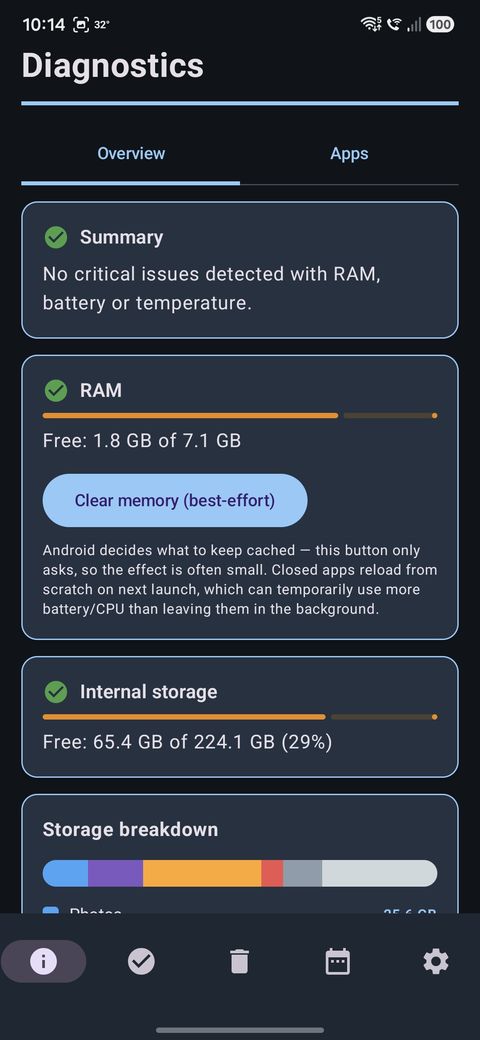
Diagnostics — RAM, storage and battery with threshold bars
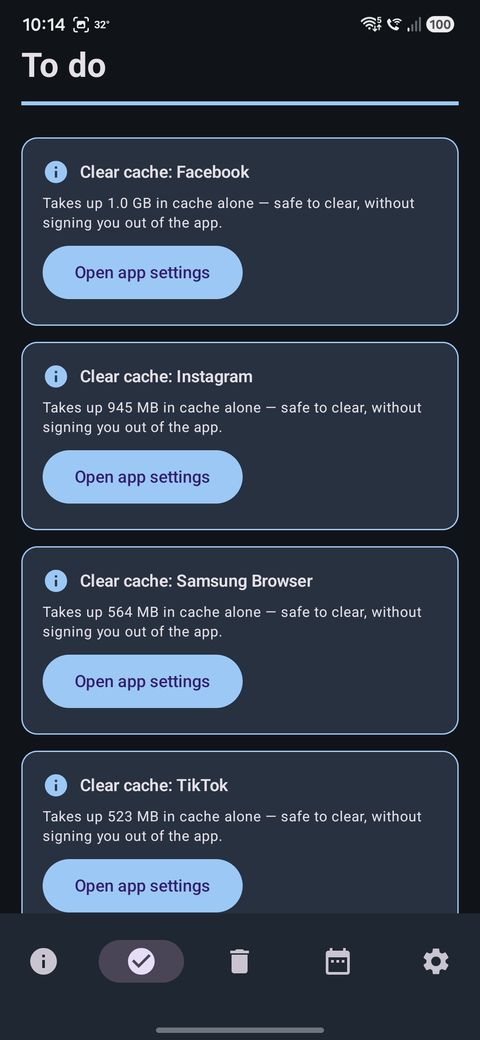
To do — recommendations instead of raw numbers
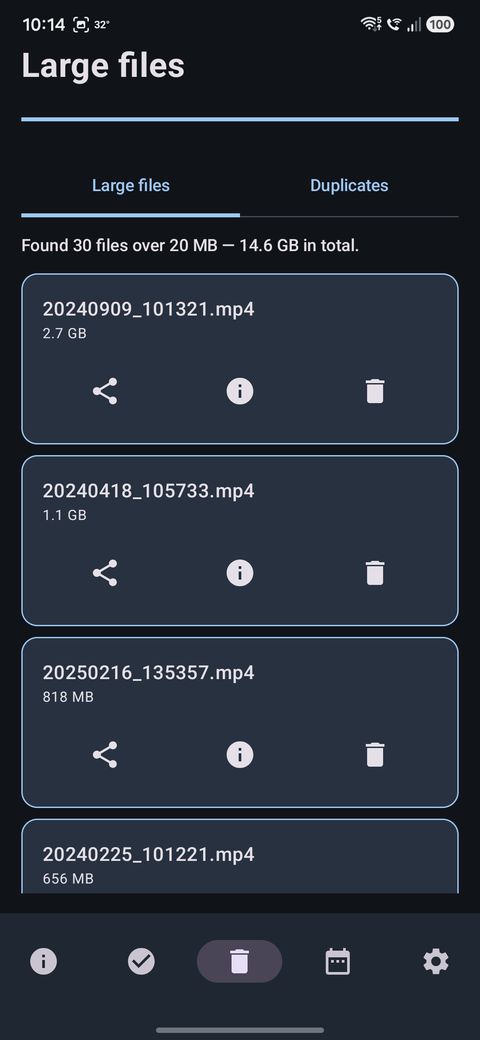
Large files — largest first, each one previewable
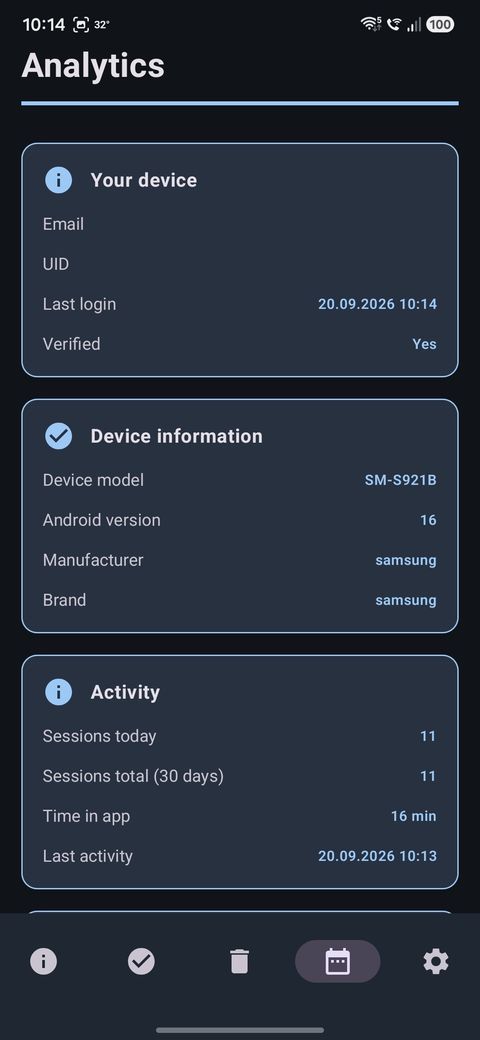
Analytics — device and activity
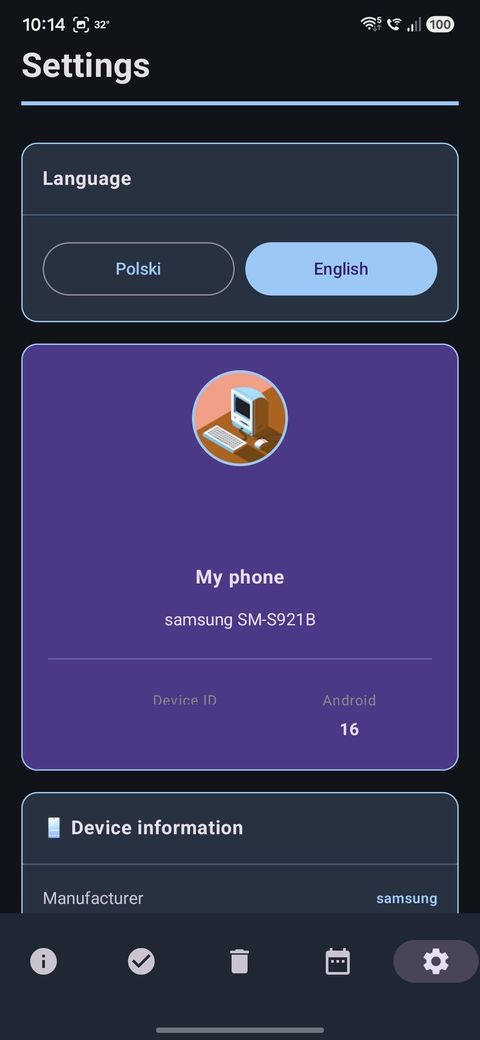
Settings — language and account
What Optimo does not promise
It does not speed your phone up “magically” and it does not invent percentages.
“Clear memory” only asks Android to release background processes — the system decides whether and what to close.
Readings come from public Android APIs and may differ from the numbers in your phone settings.
Contact
Questions, bug reports and requests to delete your account and stored data — write to us. Data requests are handled within 30 days.
Send a message